Set Up an Inbound Fundraiser Number
Prerequisites
- Admin-level access to your Evergiving account.
- Agent users are set up and ready to take calls.
Acquire a Phone Number
If you need to rent a number, contact support@evergiving.com.
- Different number types (local, toll-free) are available per country.
- Costs are typically a few dollars per month with no lock-in contract.
- Activation can take up to an hour
Configure the Number in Your Account
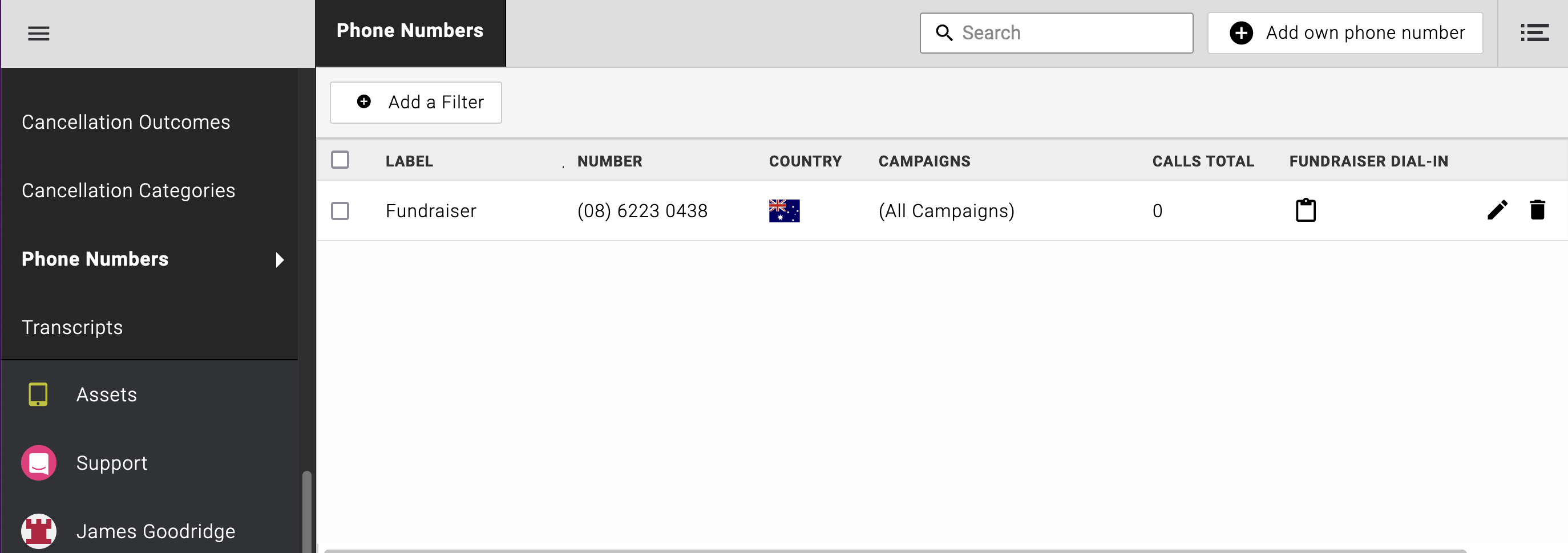
- Navigate to Accounts > Phone numbers.
- Locate your number.
- Edit the number and check the box for 'Fundraiser Dial-In'.
- Save the changes.
Set Up Your Call Center Teams & Agents
- Ensure you have Agent users set up in the Call Center section.
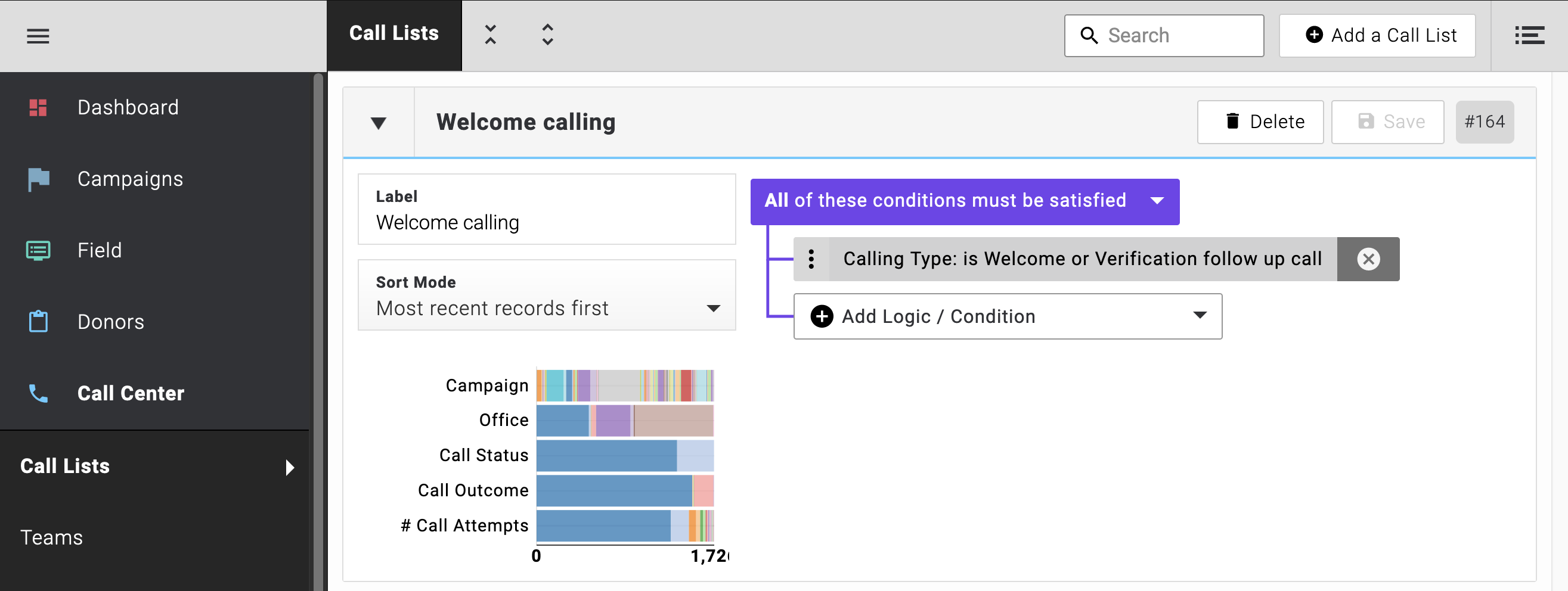
- Assign agents to a Team with a Call List that has the condition 'Calling Type: is Welcome or Verification follow up call'.
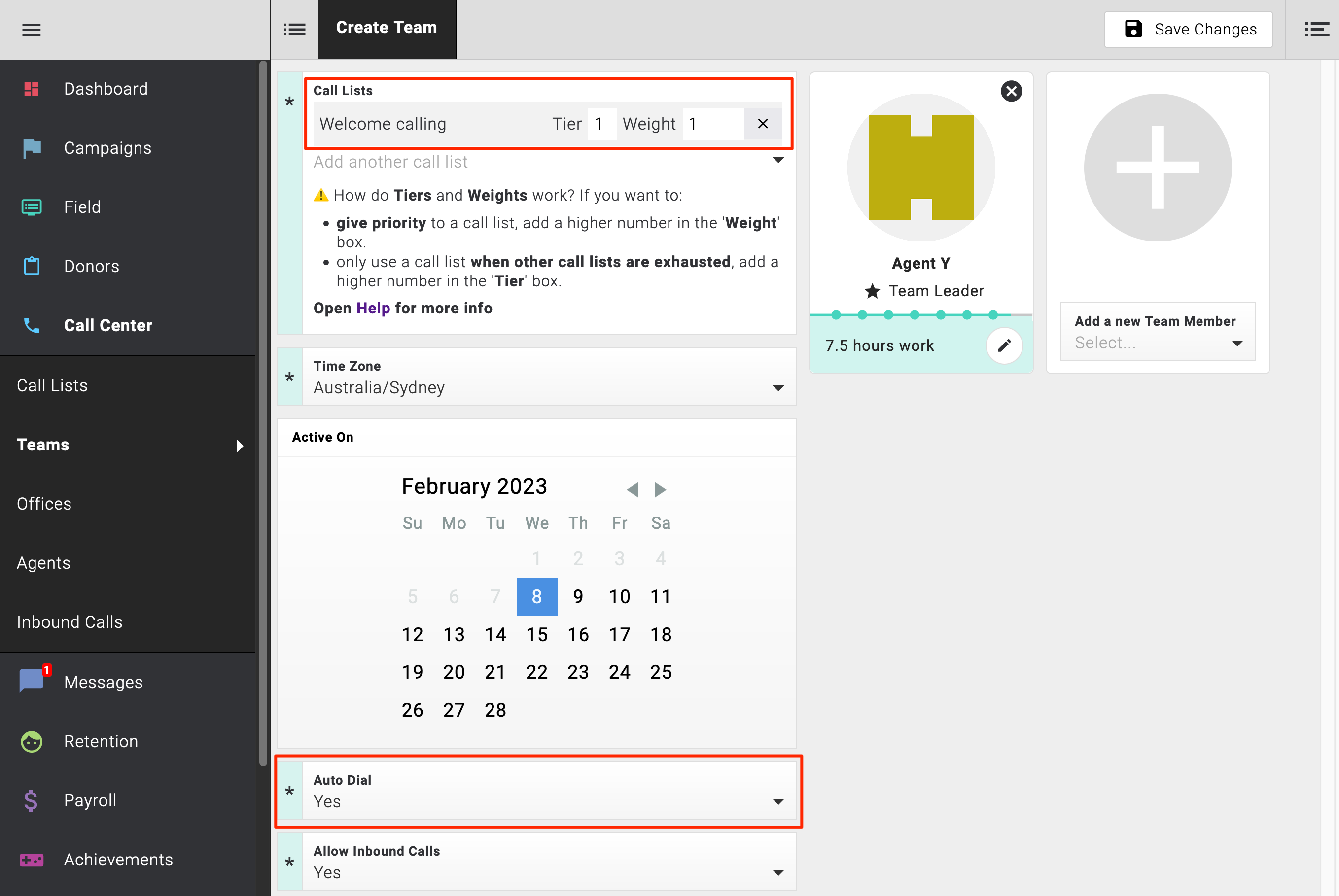
- In the Team settings, ensure Allow Inbound calls is set to 'Yes'.
Verification and Usage
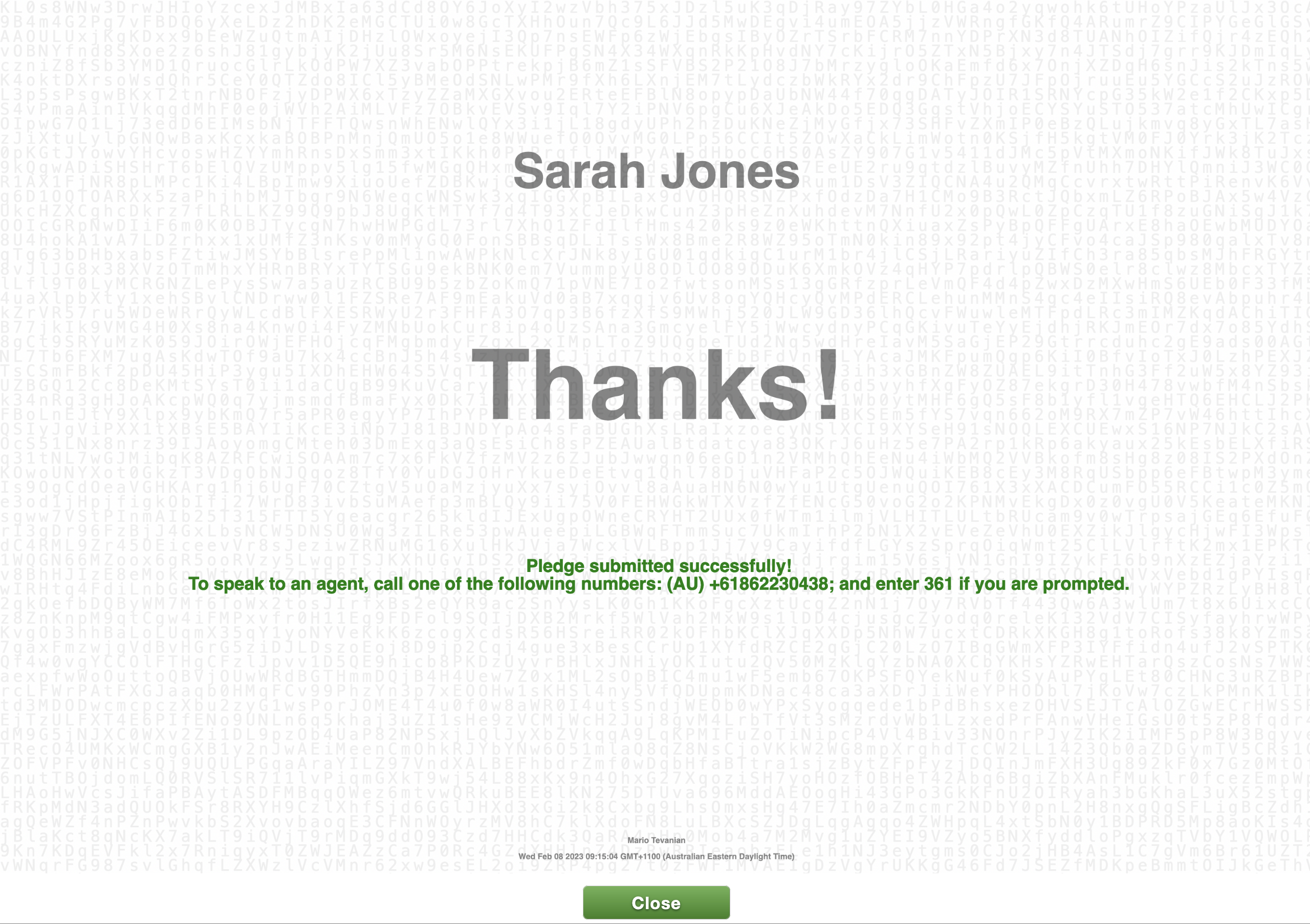
Once configured, the dedicated number will appear on the Thanks screen after every pledge. Fundraisers can now dial in to connect with your agents.
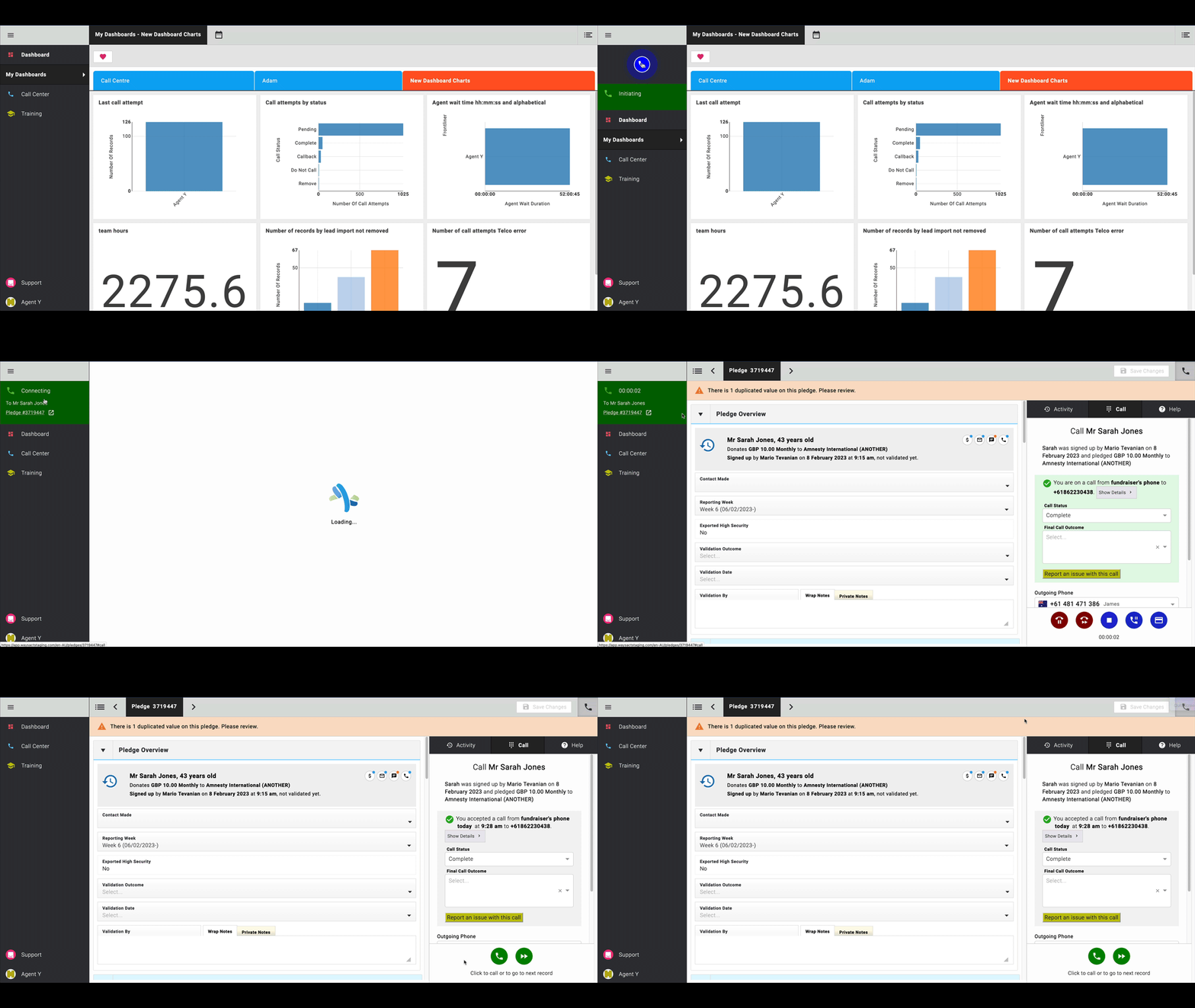
You're all set!
Note
There's more functionality available in the call center. For questions or a demo, please contact sales@evergiving.com.