Set Up An Outbound Phone Number
To make outbound calls using Evergiving, a phone number needs to be added to your account. You can rotate numbers and manage their performance. You can even add a charity’s existing and recognised outgoing phone number to call leads using the Call Center. Any returned calls will go straight to that number.
Evergiving offers two options :
- add an existing outbound phone number
- rent a phone number through Evergiving
Add an outbound phone number
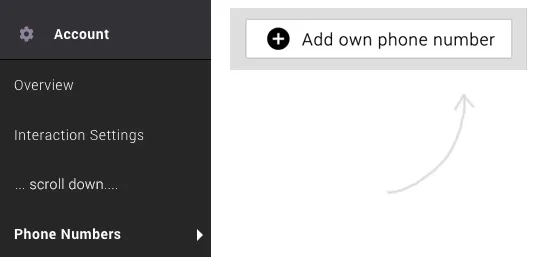
Under the Accounts section head down to Phone Numbers and Add own phone number.
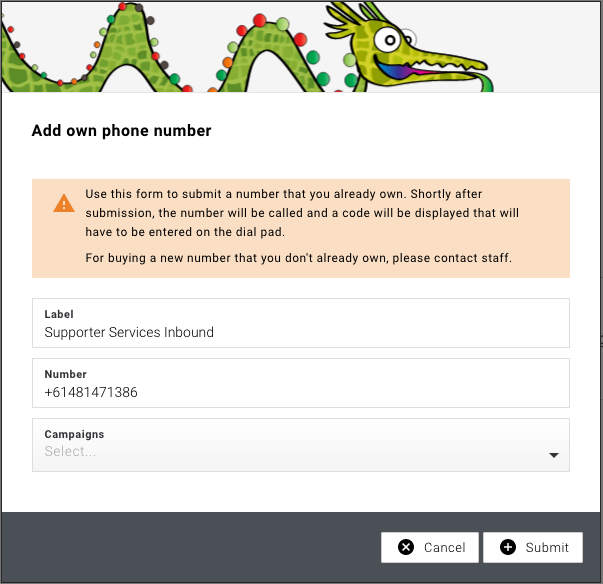
In the popup window Enter a label and your own number and hit Submit.
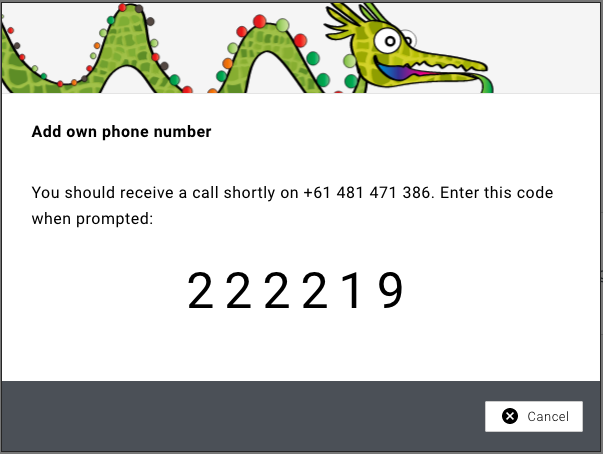
Once the number has been submitted, a code will be displayed on your screen. Our robot will then call the number you entered.
You will need to enter the code displayed on the Evergiving page.
Once the code is validated, the number will be verified, and it can now be used.
Using outbound phone number
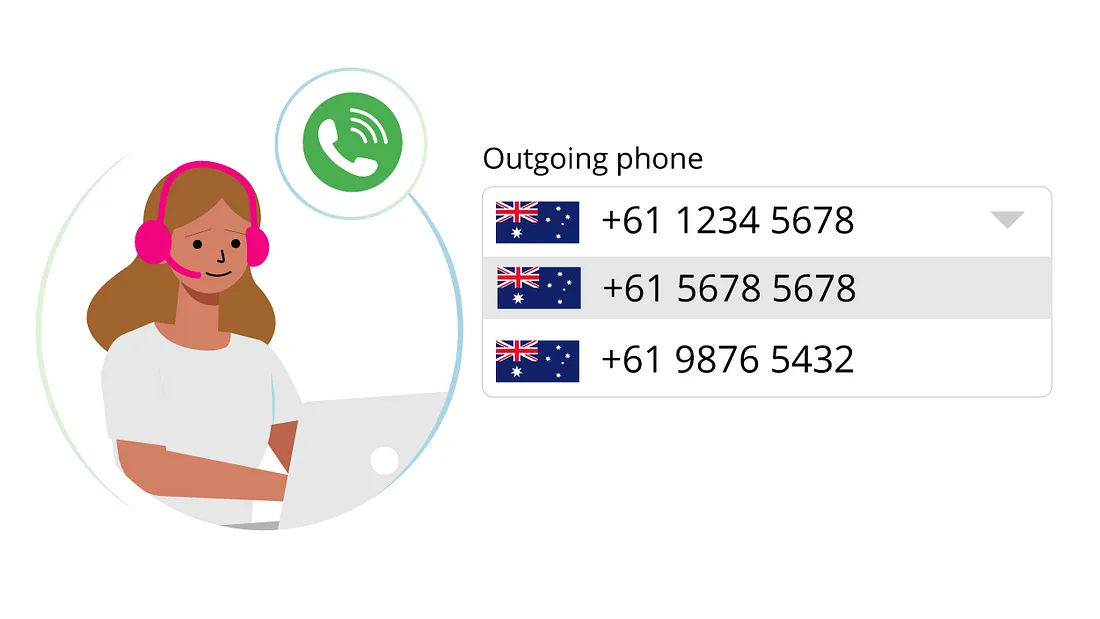
From the Phone Numbers page you can rotate numbers, rename numbers and assign them to specific campaigns. Your Agents will see this phone number available to use as the outbound number according to the campaign you’ve assigned it to.
Renting a phone number
Through our phone provider Twilio, Evergiving can rent a phone number on your behalf.
The cost for renting a number is a minimal monthly cost.
To comply with local regulations, some extra business information will be required.