About trainings
A training module is a combination of learning material and a quiz. Modules are distributed to fundraisers to provide continuous access to learning resources, supporting their growth and development within the platform.
Who can use training modules?
Admin users can create, distribute, and manage training modules. Fundraisers and Campaign Manager users receive and complete modules assigned to them. Admin users can also be assigned modules and access them from the My Training Modules tab.
Key capabilities
- Upload content and configure multiple-choice quizzes.
- Deliver modules at strategic moments — onboarding, campaign introductions, or crisis communications.
- Set automated distribution conditions based on user, role, office, or campaign.
- Set a time limit for completion; fundraisers are locked out of their forms until the module is complete.
- Award points for completion and display a leaderboard to encourage engagement.
Use cases
Training modules are suited to a range of recurring needs:
- Onboarding — deliver all induction training automatically to every new fundraiser.
- Campaign training — when a fundraiser moves to a new campaign, deliver that charity's training material.
- Performance or quality intervention — create conditions that target fundraisers who fall below thresholds with specific materials and quizzes.
- Crisis communications — distribute immediate messaging about environmental or humanitarian events, and lock fundraisers out of their forms until they have read and confirmed understanding.
Training section navigation
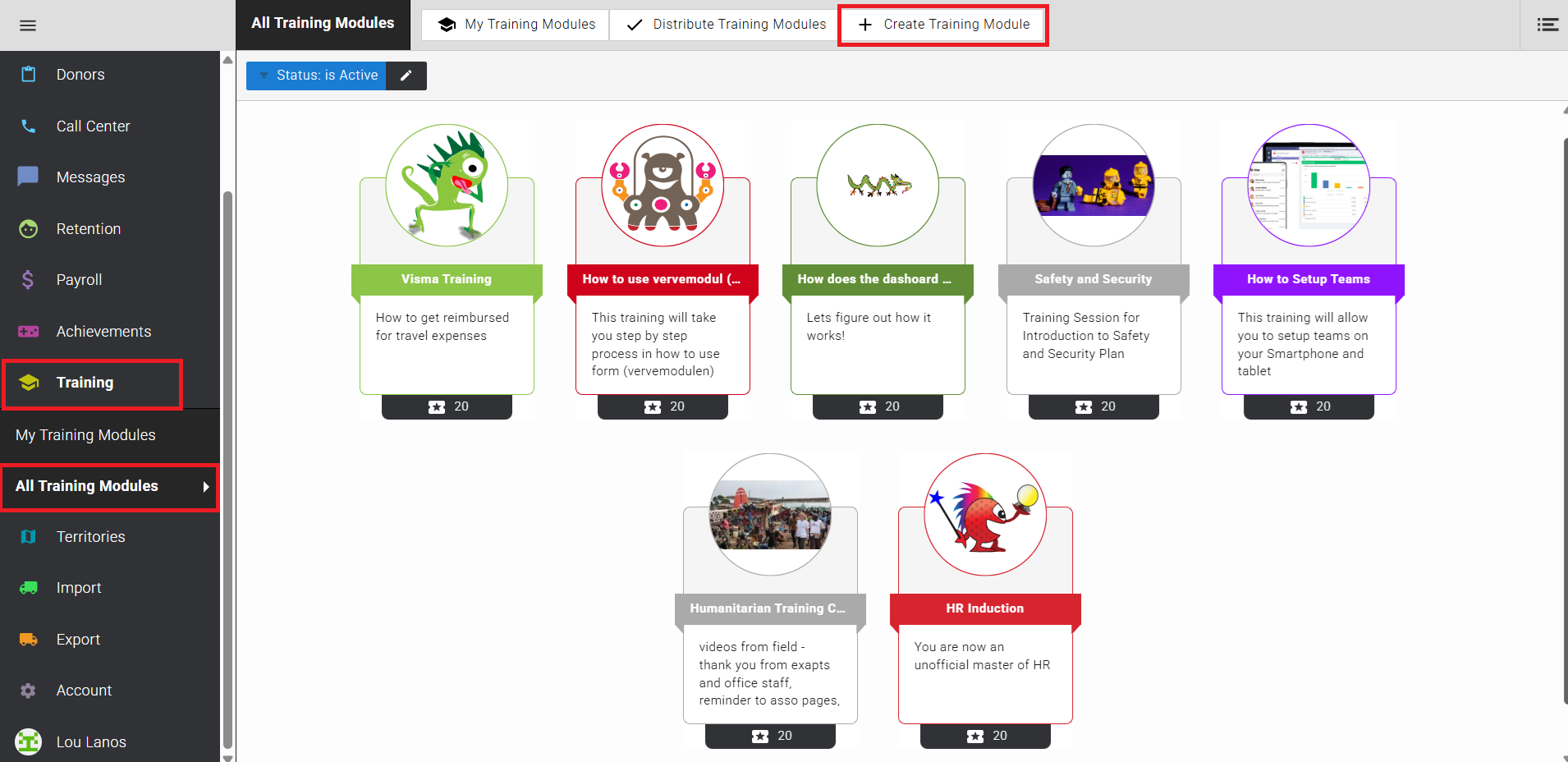
In the Training section, Admin users have access to three options:
- My training modules — displays any training modules assigned to you personally.
- Distribute training modules — training modules are automatically distributed overnight. Use this button to trigger distribution immediately.
- Create training module — starts the build process for a new training module.
Points and leaderboard
Points are awarded to fundraisers upon completing a training module. A leaderboard shows completion standings across your team, making learning competitive and rewarding.
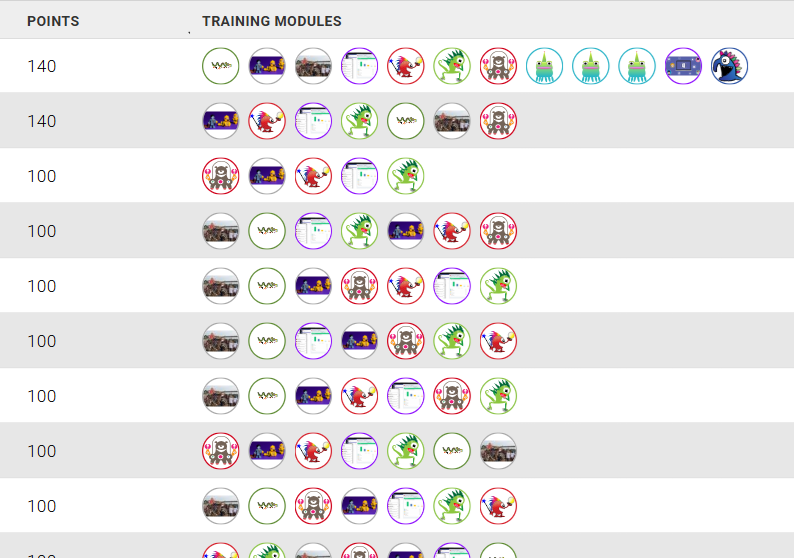
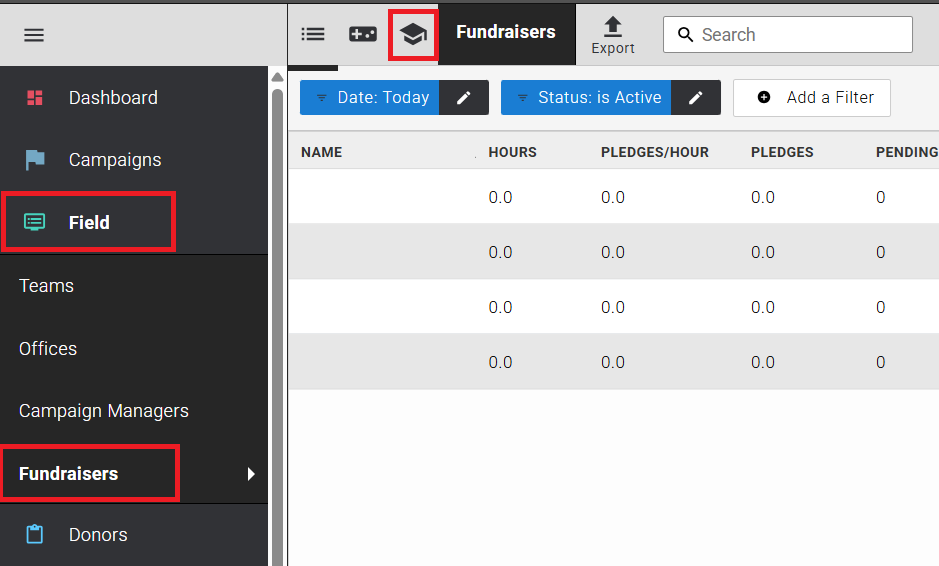
The leaderboard is accessible by Admin users from the Field > Fundraisers section by clicking the Training icon at the top of the page.
Archiving
If a training module becomes obsolete, it can be archived. You can also archive a module while it is in progress, and enable it only once complete. Once a training module has been assigned to a user, it cannot be deleted — it can only be archived.